
Tracking & Automation
Data you can use.
Conversion tracking, analytics, CRM feedback and performance automation designed to give advertising better signals and teams faster decisions.
Conversion Tracking ✦
GA4 ✦
Tag Manager ✦
CRM Integration ✦
Offline Conversions ✦
Automation ✦
Measurement infrastructure
Track the outcome.
We do not want campaigns learning from clicks alone. The goal is measurement that connects advertising to meaningful business outcomes.
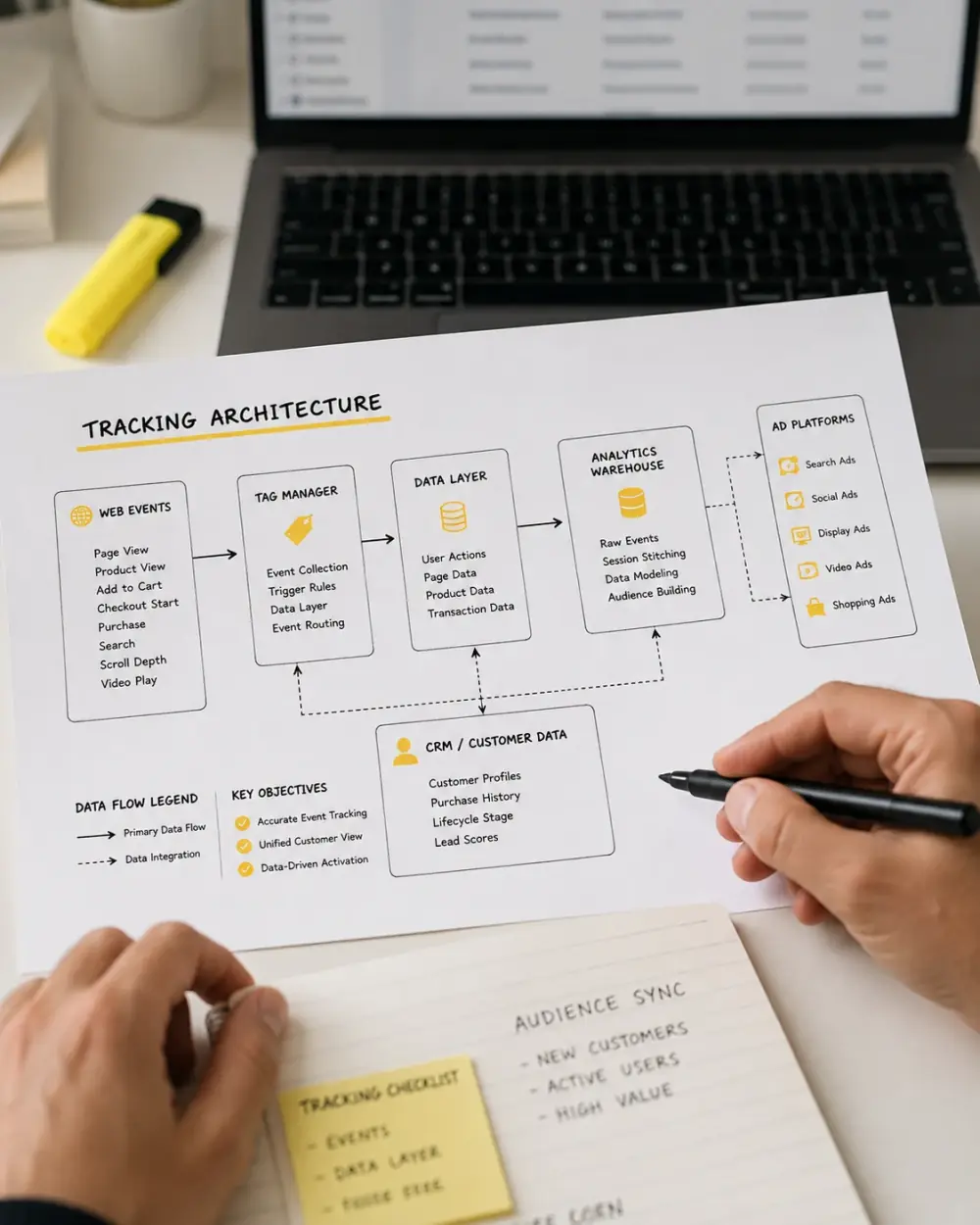
Tracking can connect Google Ads, analytics, Tag Manager, CRM systems, offline conversions, revenue and lead-quality data into a clearer performance picture.
Reliable conversion
measurement.
CRM and offline
conversion feedback.
Revenue and lead-quality
tracking.
Automated reporting,
alerts and monitoring.
Data capability
Better performance signals.
Measurement infrastructure should make important actions visible and give advertising systems useful conversion information to optimise against.
Conversion Tracking
Measure the actions that advertising is expected to produce.
- Forms
- Purchases
- Registrations
- Conversion value

Analytics
Connect campaign activity with website and conversion behaviour.
- Google Analytics
- Tag Manager
- Event tracking
- Attribution

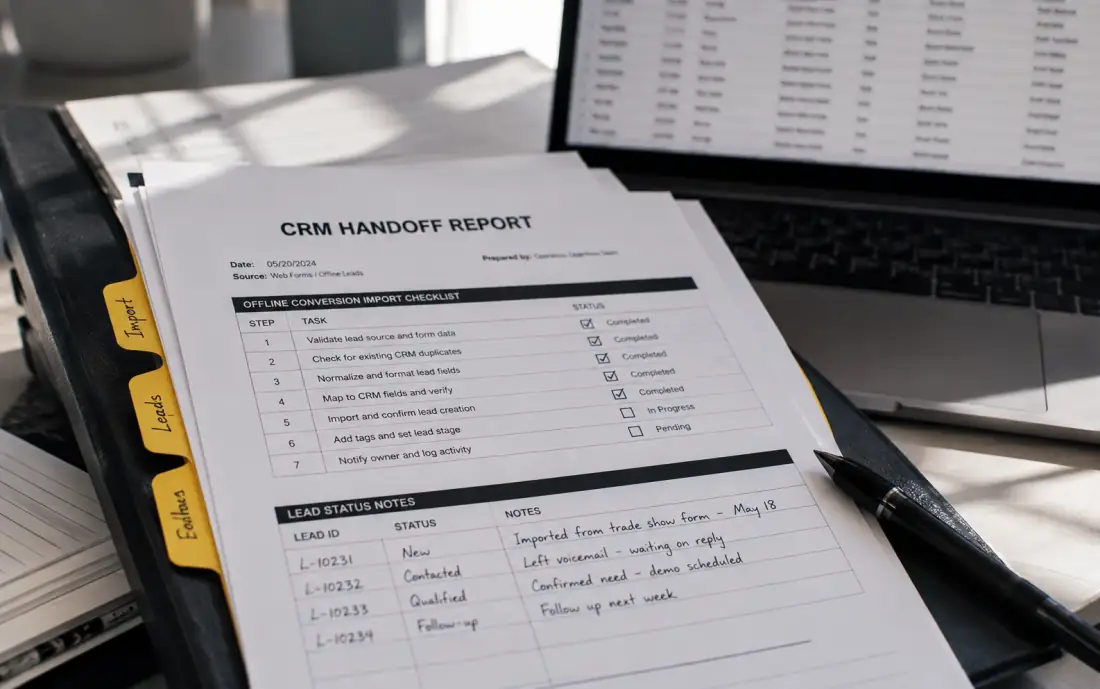
CRM Feedback
Connect downstream outcomes back to marketing where systems allow it.
- Qualified leads
- Offline conversions
- Customer outcomes
- Revenue feedback
Automation
Reduce repetitive monitoring and surface performance changes more quickly.
- Automated reporting
- Campaign alerts
- Anomaly detection
- Performance insights

Measurement clarity
Cleaner tracking for decisions you can trust.
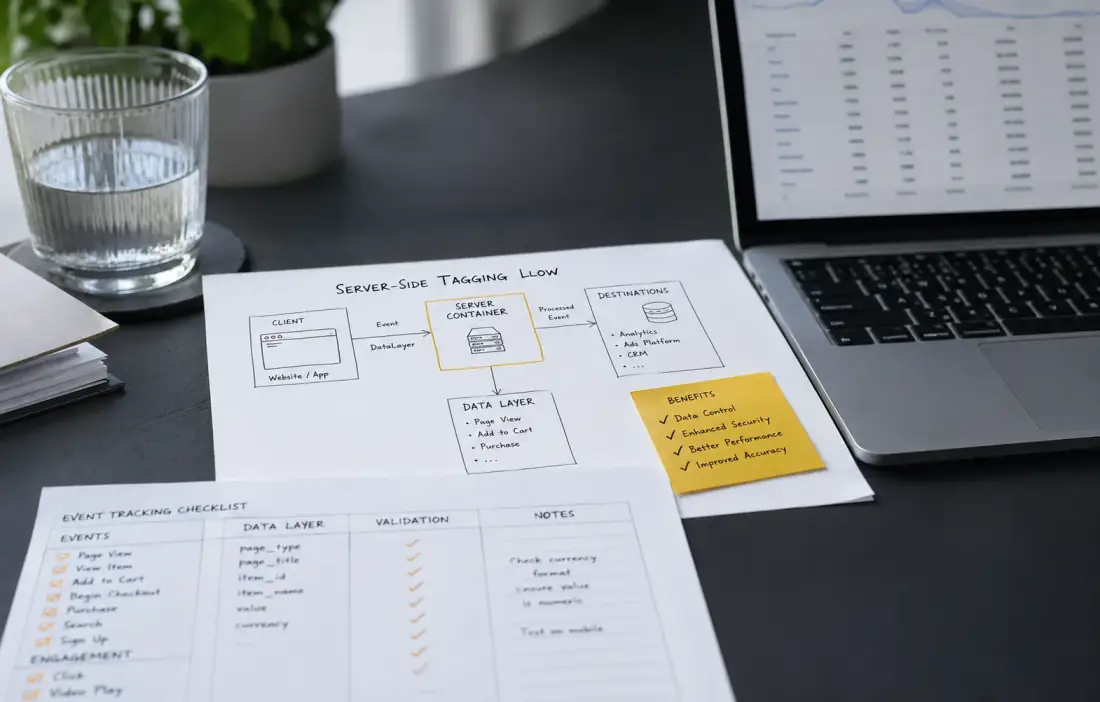
Tracking works when the important actions are captured consistently and sent back to the platforms with useful business context.
We connect analytics, conversion events, CRM outcomes and automation so reporting stays practical and optimisation improves.
Reliable event data.
Key actions are tracked with cleaner naming, values and platform mapping.
Automation with context.
CRM and platform feedback loops make reporting and optimisation less manual.
Campaign
Advertising creates the initial interaction.
Website
User behaviour and conversion events.
Conversion
Track the meaningful business action.
CRM / Revenue
Add qualification or commercial value.
Optimise
Feed better outcome data into decisions.
0
Tracking audits
0
CRM integrations
0
Events cleaned
Data strategy
Analytics
Conversions
CRM
Automation
 Data Quality
 Feedback
Clean tracking better signals
Analytics
Conversions
CRM
Automation
Data Quality
Feedback
Measurement layers
Data across the stack.
Track conversions.
Build reliable measurement around the actions campaigns are expected to generate.
- Conversion actions
- Event tracking
- Purchase value
- Call tracking context
Behaviour context.
Analytics helps connect traffic, campaign interactions and website behaviour around meaningful actions.
- Google Analytics
- Google Tag Manager
- Events
- Attribution
Downstream results.
CRM and offline data can reveal which marketing conversions become qualified leads, customers or revenue.
- CRM integration
- Offline conversions
- Lead-quality tracking
- Revenue feedback
Faster alerts.
Automation can reduce repetitive checking and make important performance changes easier to notice.
- Automated reporting
- Budget monitoring
- Campaign alerts
- Anomaly detection
Automated monitoring
Less manual work. Faster decisions.
Monitoring systems can help surface meaningful changes without requiring every metric to be checked manually.
ALERT
Campaign changes
DATA
Conversion signals
AUTO
Reporting workflows
Performance and budget monitoring can highlight changes that deserve attention.
AI-assisted analysis can support anomaly detection and automated performance insights.
Tracking checks help catch broken events before reporting decisions drift.
Automated summaries keep teams close to the changes that need action.
Audit
Review current tracking, analytics setup, tag behavior, consent flow and available business data to spot measurement gaps.
Define
Identify the conversions, events, CRM milestones and revenue outcomes that matter most for campaign decisions.
Connect
Configure measurement across analytics, ad platforms, website events and CRM systems so signals move cleanly between tools.
Validate
Check whether events, values, attribution rules and lead data are captured reliably before they guide budget decisions.
Automate
Add useful reporting, monitoring and alerts that surface broken tags, missing conversions and performance changes quickly.
Report
Turn clean data into clear reports and practical recommendations the team can trust when planning the next campaign move.

Data scenarios
Better inputs. Better outputs.

Conversion Tracking
From click to outcome.
Illustrative measurement structure connecting advertising activity with meaningful conversion events and business outcomes.
DATA
Conversion signals
CVR
Conversion visibility
CRM Feedback
Leads into real outcomes.
Illustrative data flow connecting campaign conversions to qualified leads, sales stages and offline conversion feedback.
CRM
Business feedback
SQL
Qualified lead

Automation
Detect before it drifts.
Illustrative monitoring system surfacing budget changes, anomalies and performance signals that deserve attention.
ALERT
Performance monitoring
AUTO
Reporting workflow
Why it matters
Cleaner data. Faster action.
Tracking and automation are useful when they reduce uncertainty and make advertising decisions clearer.
Better optimisation signals
Campaign systems work with more meaningful conversion information.
Deeper business context
CRM, revenue and qualification feedback can connect marketing with downstream outcomes.
Clearer reporting
Reporting can focus on meaningful changes instead of overwhelming teams with metrics.
Less repetitive work
Automation can handle routine reporting and monitoring so attention stays on decisions.
Cleaner tracking
Conversion events, revenue data and attribution checks are organised so reporting is easier to trust.
Useful automation
Routine alerts and reports surface the changes that deserve attention without burying the team in noise.
Better decisions
Marketing data connects more clearly to pipeline, revenue and the next action inside the account.
Questions
Data, clarified.
Common questions before reviewing tracking and automation infrastructure.
Yes. Existing conversion actions, analytics configuration and available advertising signals can be reviewed for relevance and measurement quality.
Offline conversion and CRM feedback can be considered where the available systems support the required data flow.
Yes. Analytics and Tag Manager can form part of the measurement setup depending on the website, required events and campaign goals.
Depending on the project, automation may include reporting, monitoring, budget alerts, campaign alerts, conversion-data workflows and performance insights.